Canvas sidebar: six proposals for a left-hand navigator
Every mockup in the project, one click from any of them. Each board is the canvas app at 1440 × 900 with one proposal in place, all on the same page (claude-ios) with the same board selected (03, Answer streaming). Click a card to open the board at full size; it is fixed at 1440 wide.
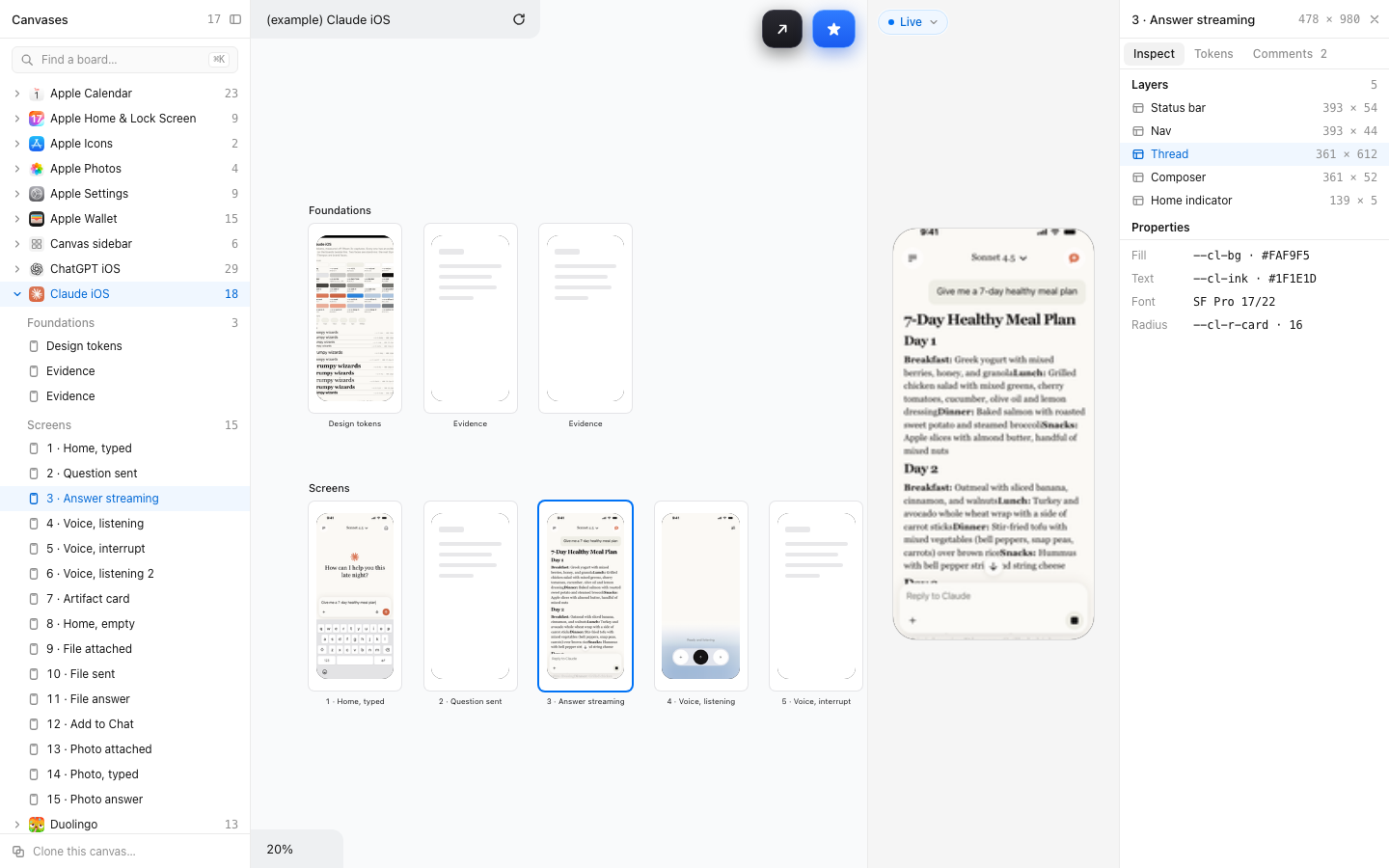
Canvases collapse; the open one lists its rows and boards. Mirror of the inspector, shown open on the right.
With the inspector open the editor is 640px and the CTA pills fall to their marks.
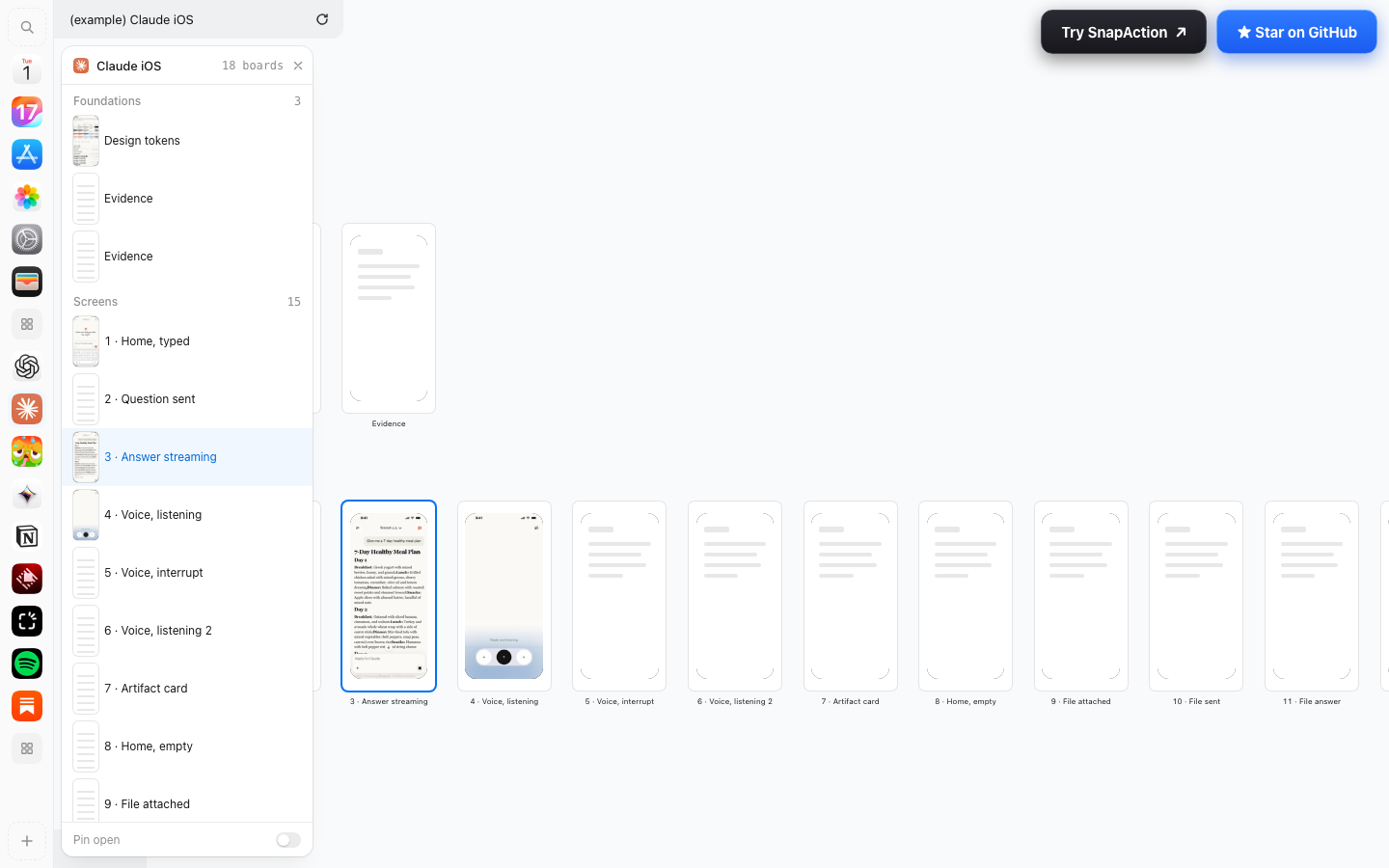
The rail is always there; the flyout lists the current canvas's boards with thumbnails, and can be pinned.
Two clicks to a board of another canvas; the flyout covers boards beneath it.
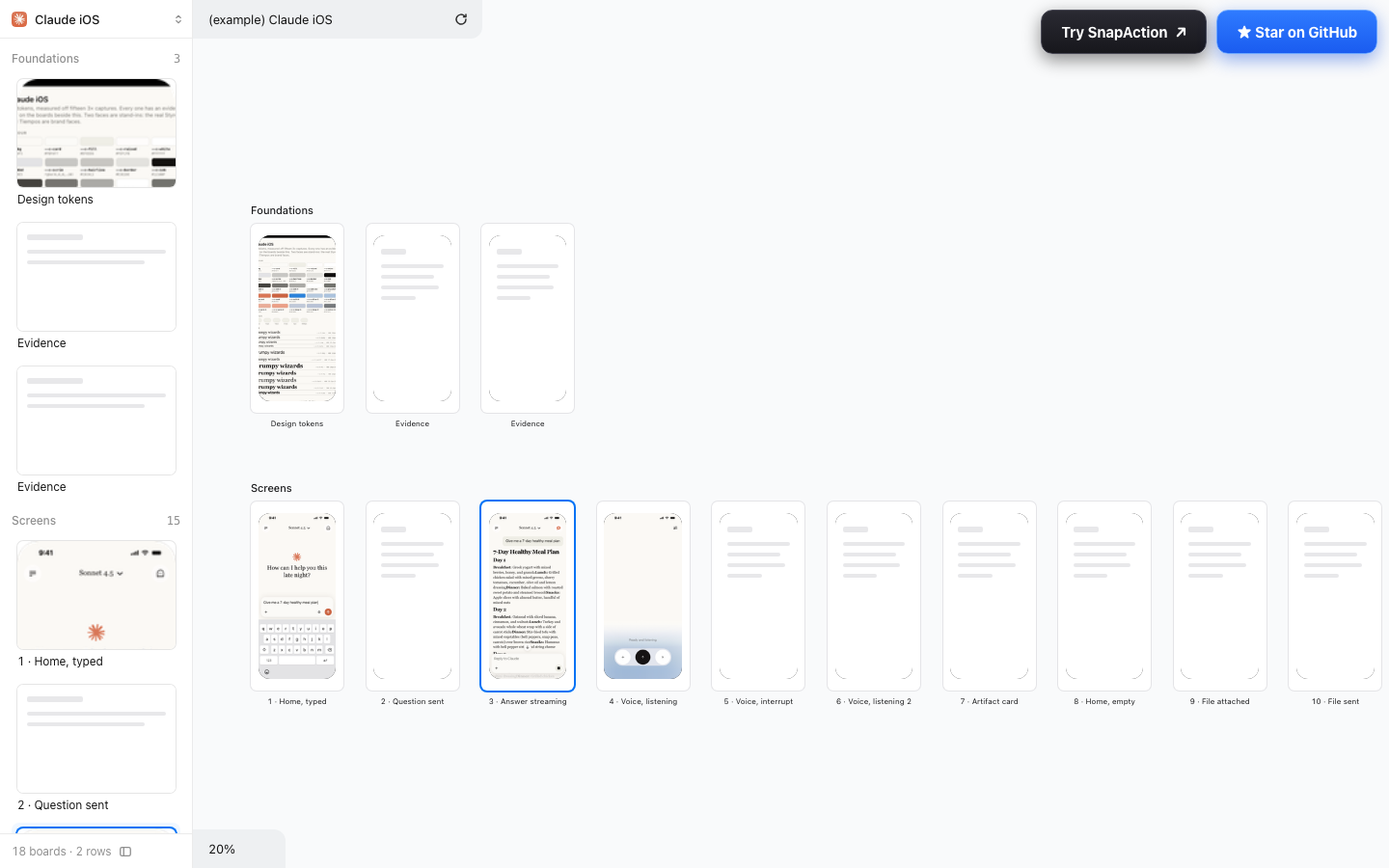
The page as a strip of thumbnails, scanned by eye like Keynote's navigator; the canvas switcher is the header.
About six boards per screen; no view across canvases.
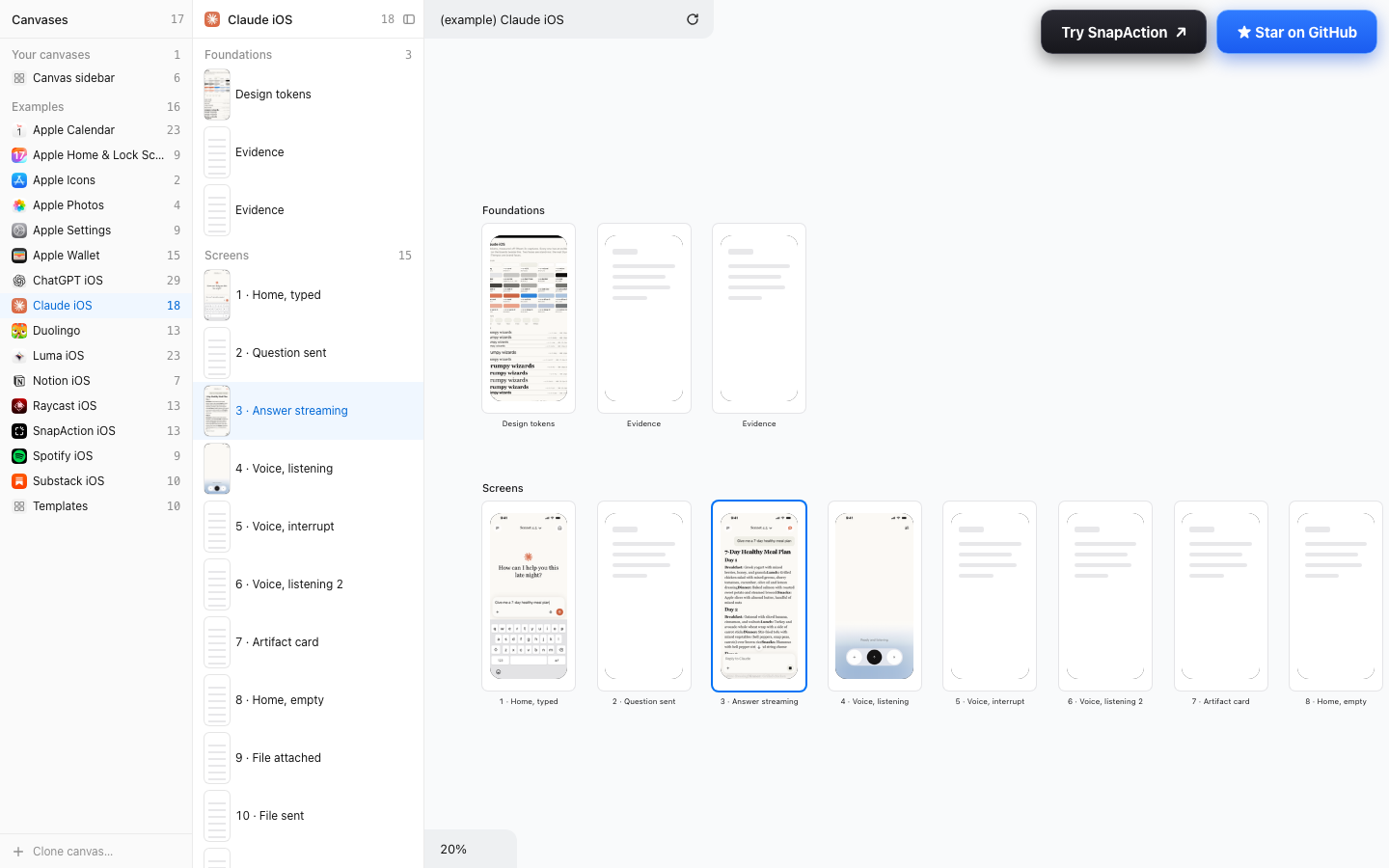
Canvases beside boards, Mail's layout; both levels visible at once, yours above the examples.
The widest of the six.
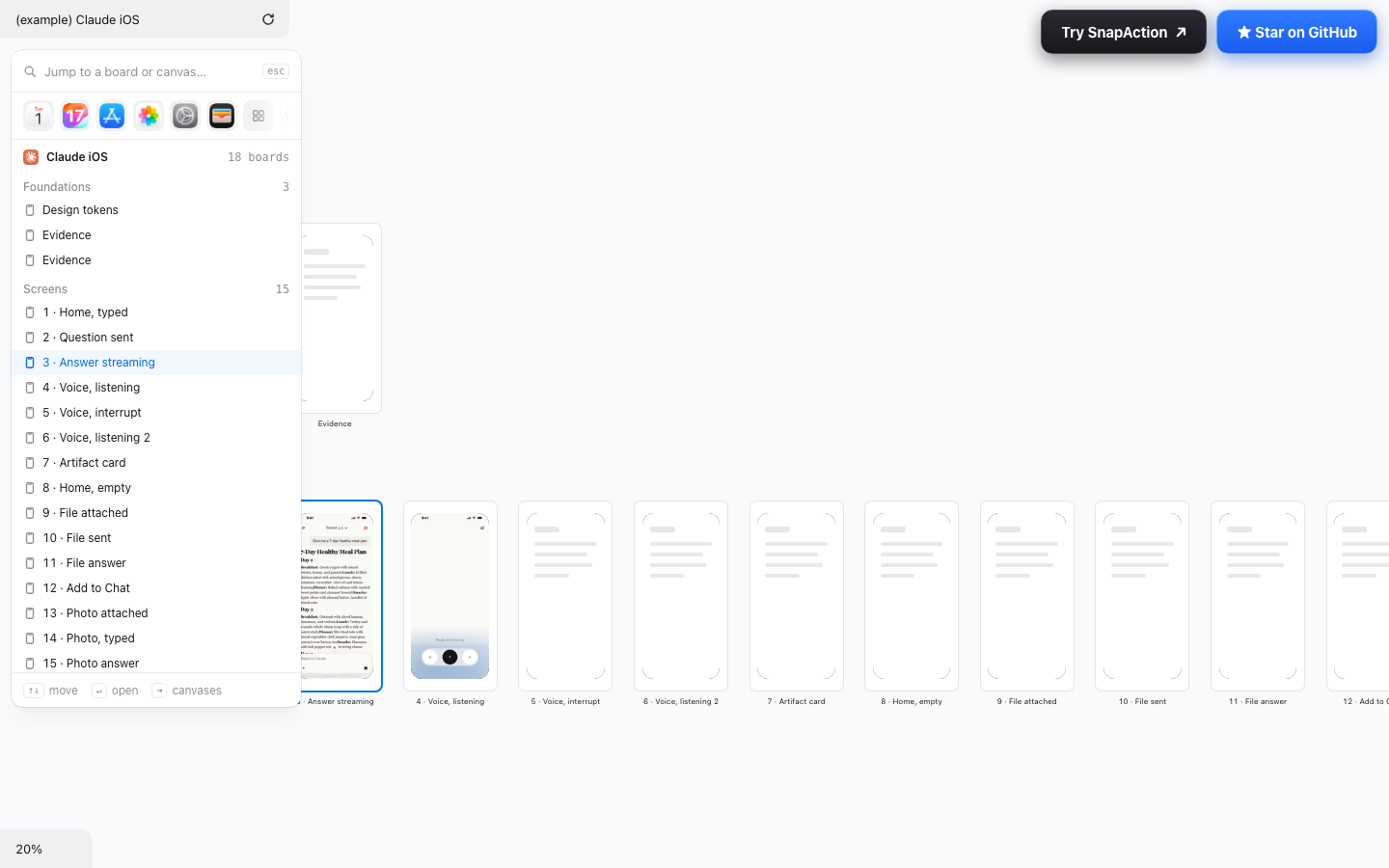
⌘K raises it, Esc hides it, keyboard moves through it; canvas chips on top.
Covers whatever is under it; not there until asked for.
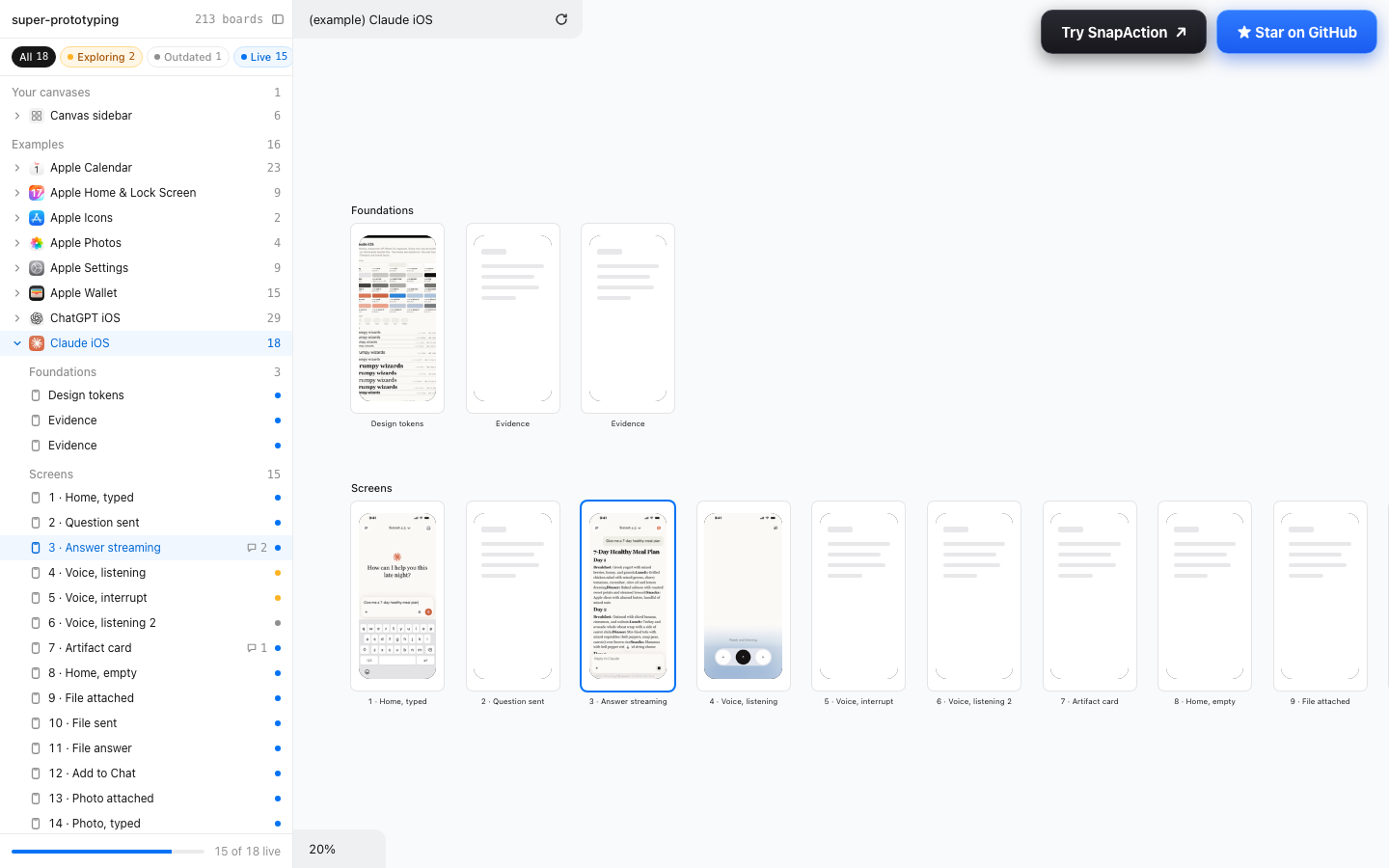
The tree plus the state of the work: status dot per board, comment counts, filters, a progress line.
The busiest; reads as project management rather than navigation.
Names, counts, rows and captions come from the real layout.json files; icons and thumbnails are the real ones. Statuses and comment counts on 06, and the inspector's layer list on 01, are invented for the mock.